Get started as a trainer
Three steps take you from a new account to getting paid: invite a client, publish a plan, request a payment.
Your Clients tab shows a Get started list until you've done all three steps. Tap the button beside a step to jump to it.
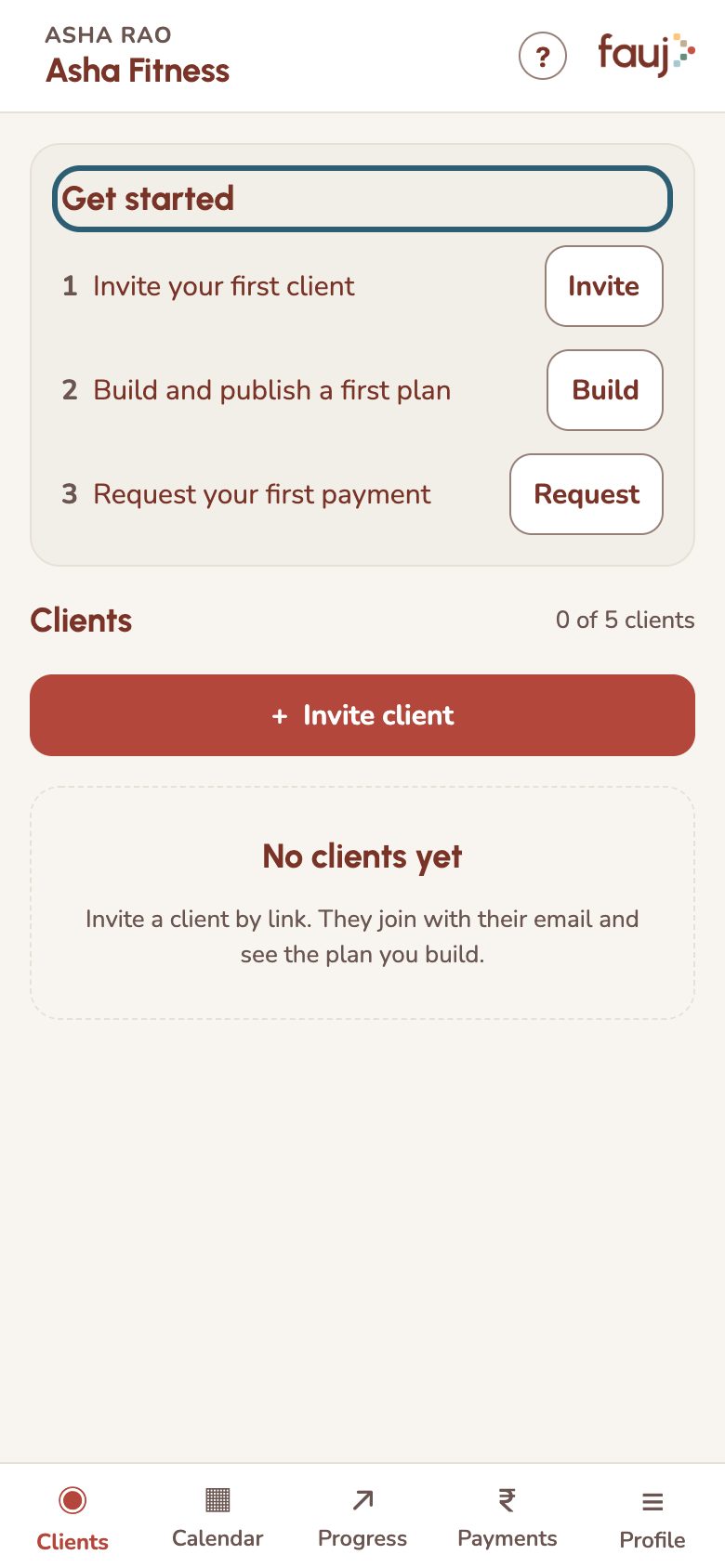
- Invite your first client with a WhatsApp link.
- Build and publish a plan for them.
- Request a payment, and they pay you directly by UPI.
The five tabs at the bottom are Clients, Calendar, Progress, Payments and Profile. Most of your work starts from a client's page on the Clients tab.
Short tips appear as you reach each screen. Tap Got it to dismiss one, or Show me how for the full steps. To see them again, tap Show tips again on Profile. The ? at the top of any screen opens Master, your help chat.