Invite a client
Create a link, send it on WhatsApp, and your client joins with their email.
- On the Clients tab, tap Invite client.
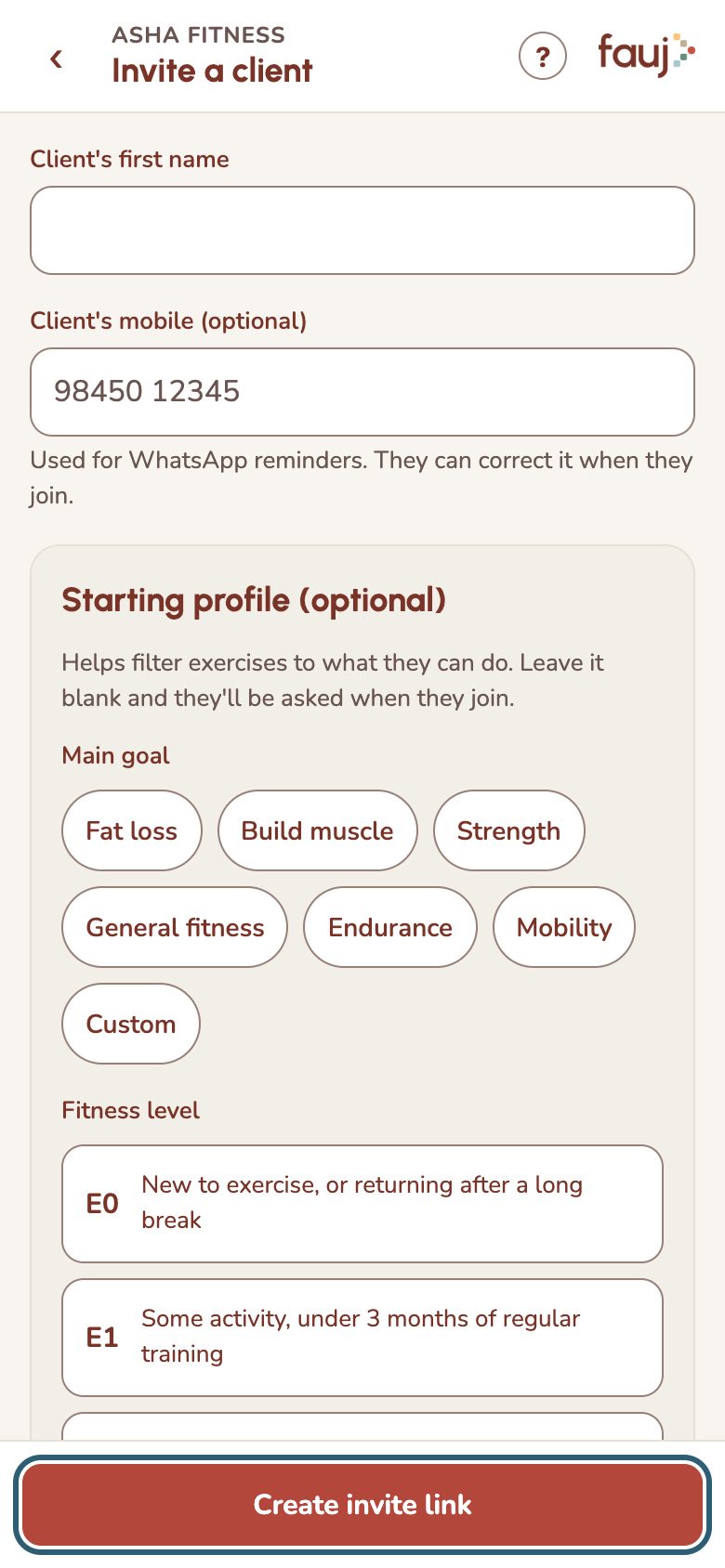
- Add their first name. Their mobile is optional, but WhatsApp reminders need it.
- Fill in the starting profile if you know it. Otherwise they'll be asked when they join.
- Tap Create invite link, then Share on WhatsApp.
Each link works once. Until your client joins, the invite stays on your Clients tab, where you can Share on WhatsApp again, Copy link or Cancel invite.
During the pilot, you can have up to 5 clients.