Build a workout plan
Start from a template, a blank plan or one of your own plans, add exercises, then publish so your client can see it.
- On the Clients tab, open your client, then tap Build a plan.
- Name the plan, and choose how many weeks and the start date.
- Choose where to start: one of your own plans, a template, or Blank plan. Then tap Create plan.
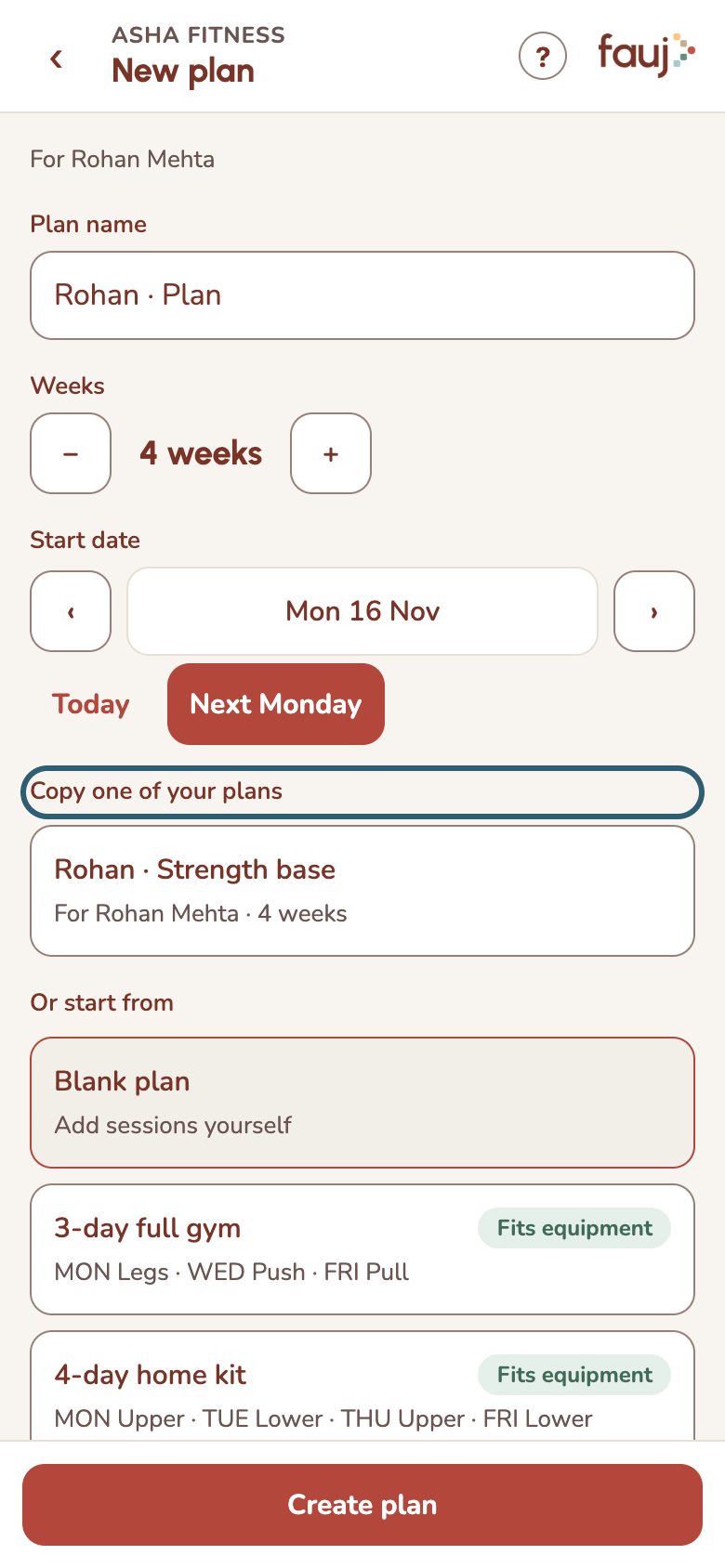
- In the plan builder, tap Add session and pick a day.
- Tap Add exercise and choose from the library. It's filtered to your client's equipment.
- Fill in sets, reps and weight, then tap Save week.
- Tap Publish this week (or Publish all). Your client sees nothing until you publish.
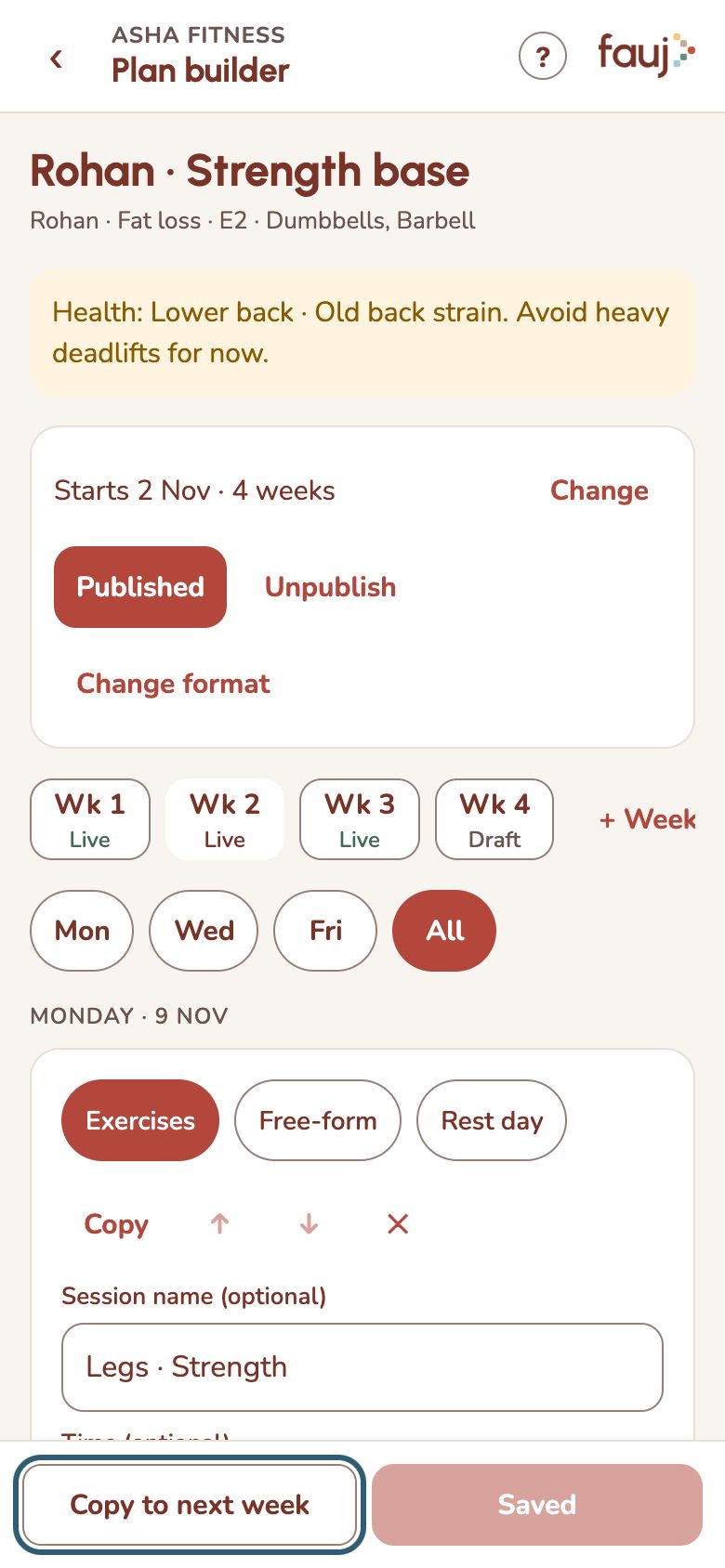
To repeat work you've already done, see Copy a workout or a plan.