Request a payment
Yes, you can request payment. Fauj makes an invoice with your UPI ID, and your client pays you directly.
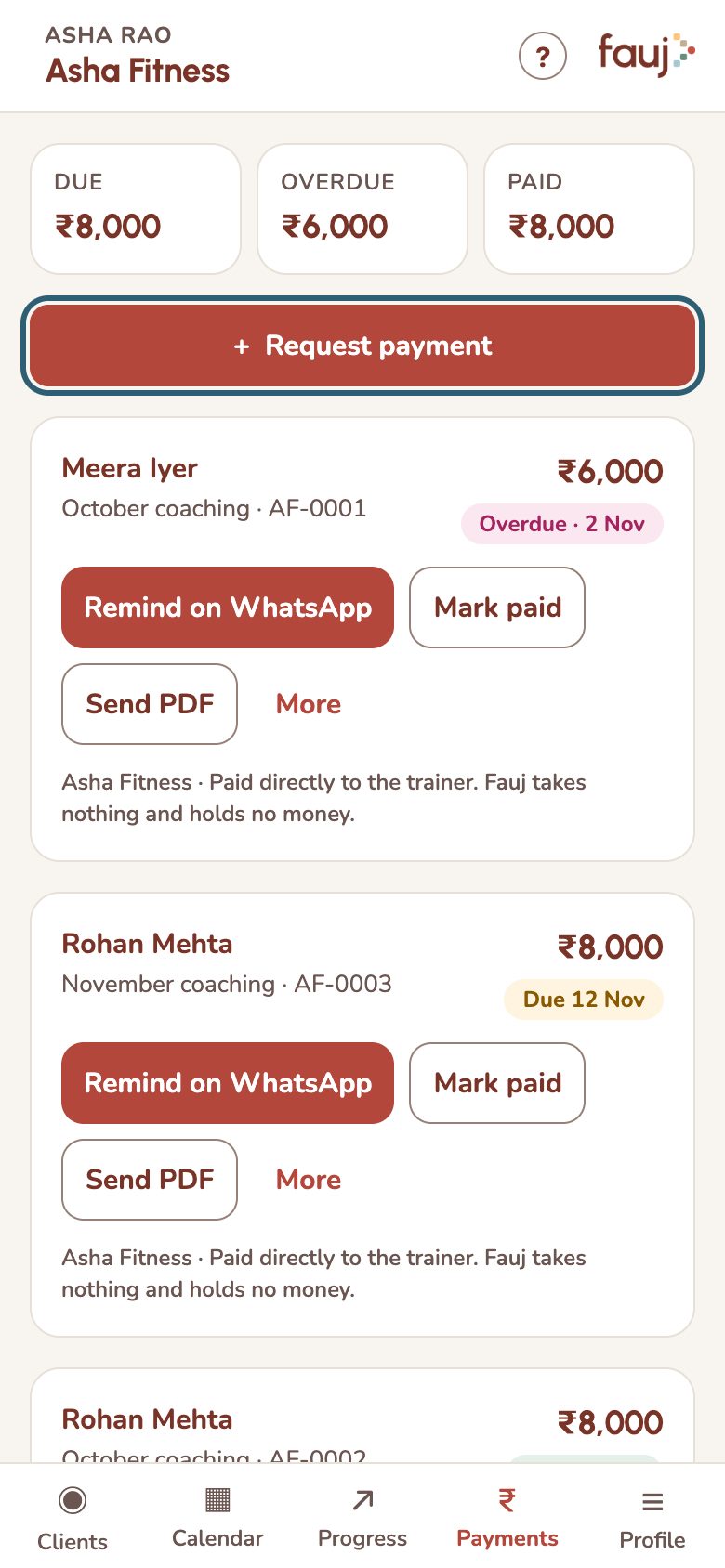
- Tap Request payment on the Payments tab, or on your client's page.
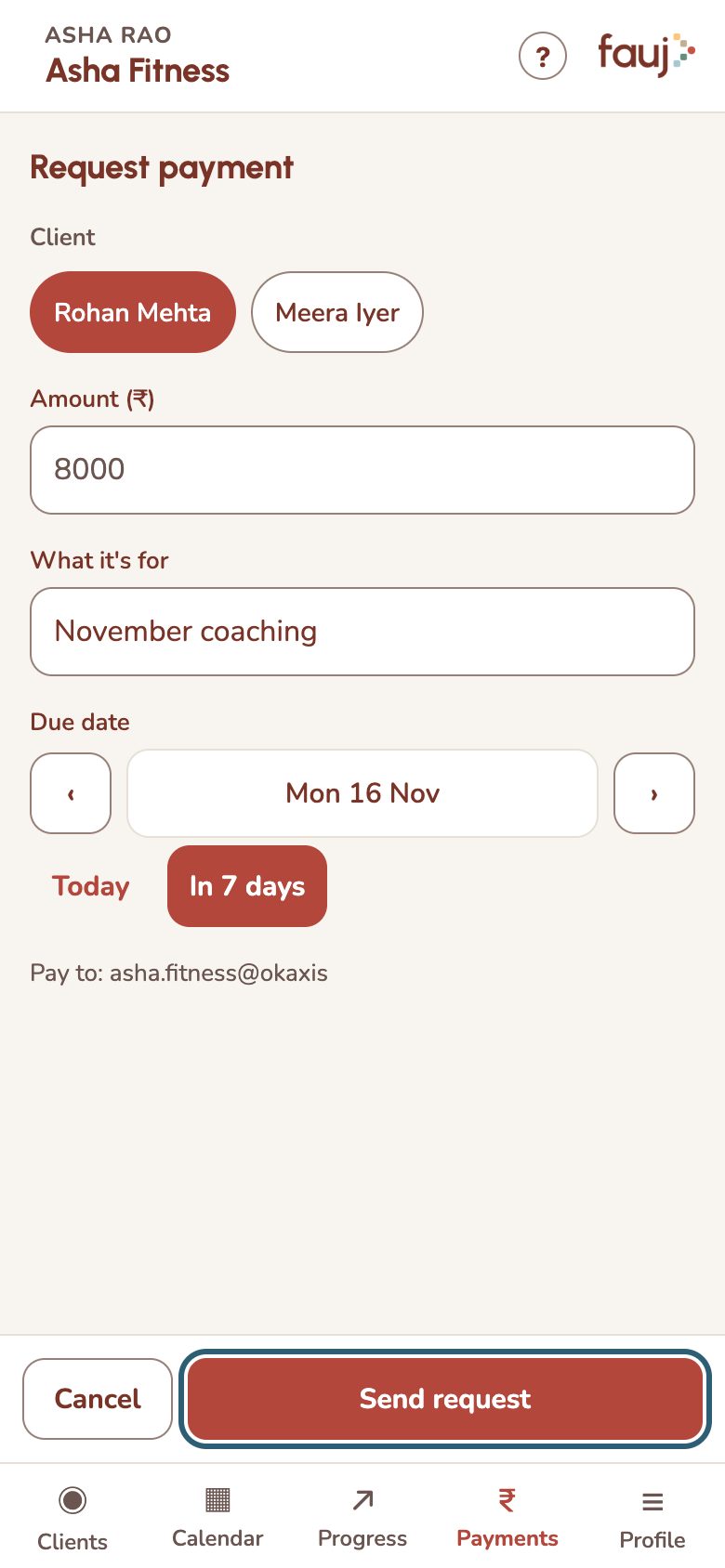
- Pick the client, then add the amount, what it's for and the due date.
- The first time, add your UPI ID. Fauj saves it to your profile.
- Tap Send request, then Share on WhatsApp to tell them.
Your client sees the invoice under Payments in Fauj, with buttons for their UPI apps. The money goes straight to you. Fauj takes nothing and holds no money.