Start a new plan for a client
When a plan ends or needs replacing, start a new one. Your client stays on the old plan until you publish the new one.
- Open your client and tap Start a new plan.
- Build it, or copy an earlier plan under Copy one of your plans.
- It stays a draft. Use Continue building to come back to it.
- Publish it. Fauj asks you to confirm, because it replaces the current plan.
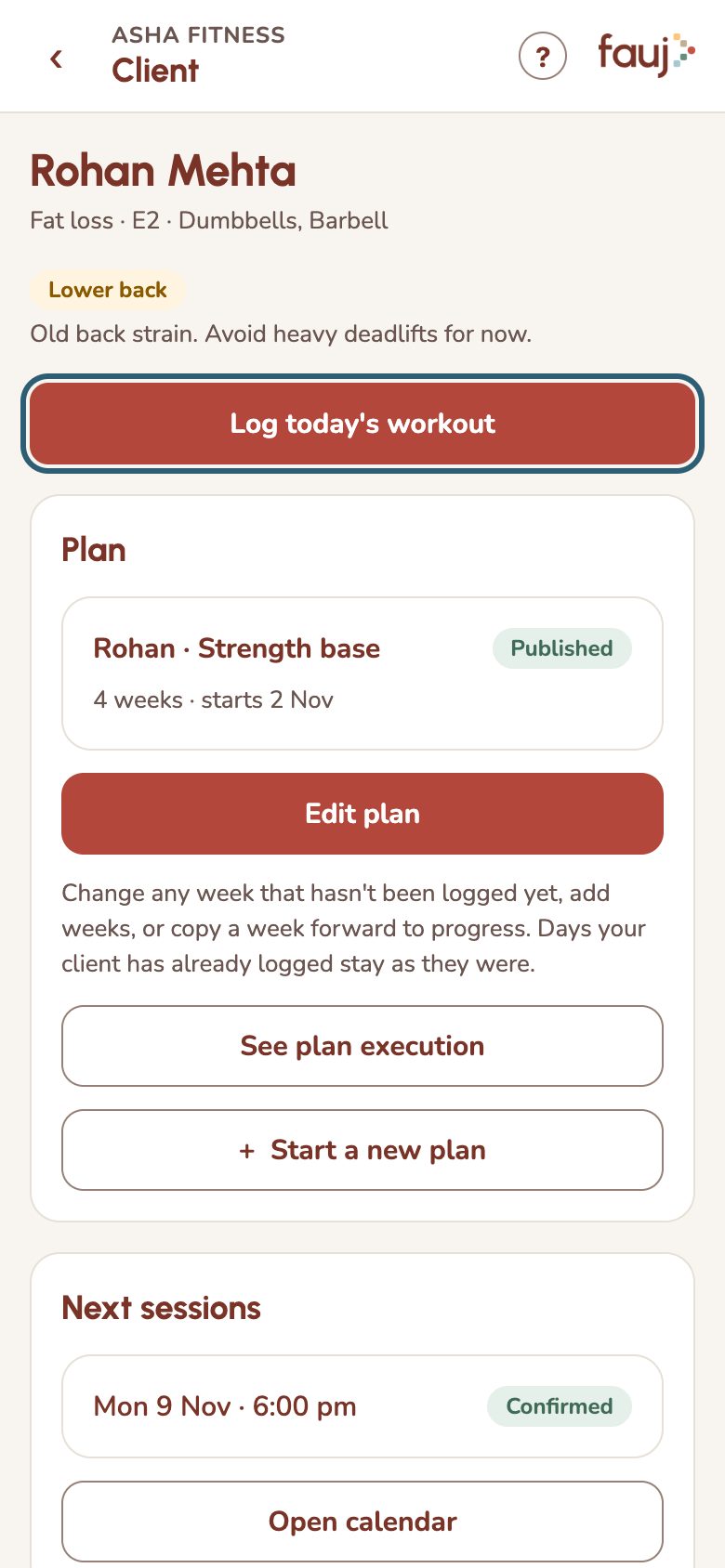
The old plan moves to Past plans on the client's page. Sessions already logged stay in their history.