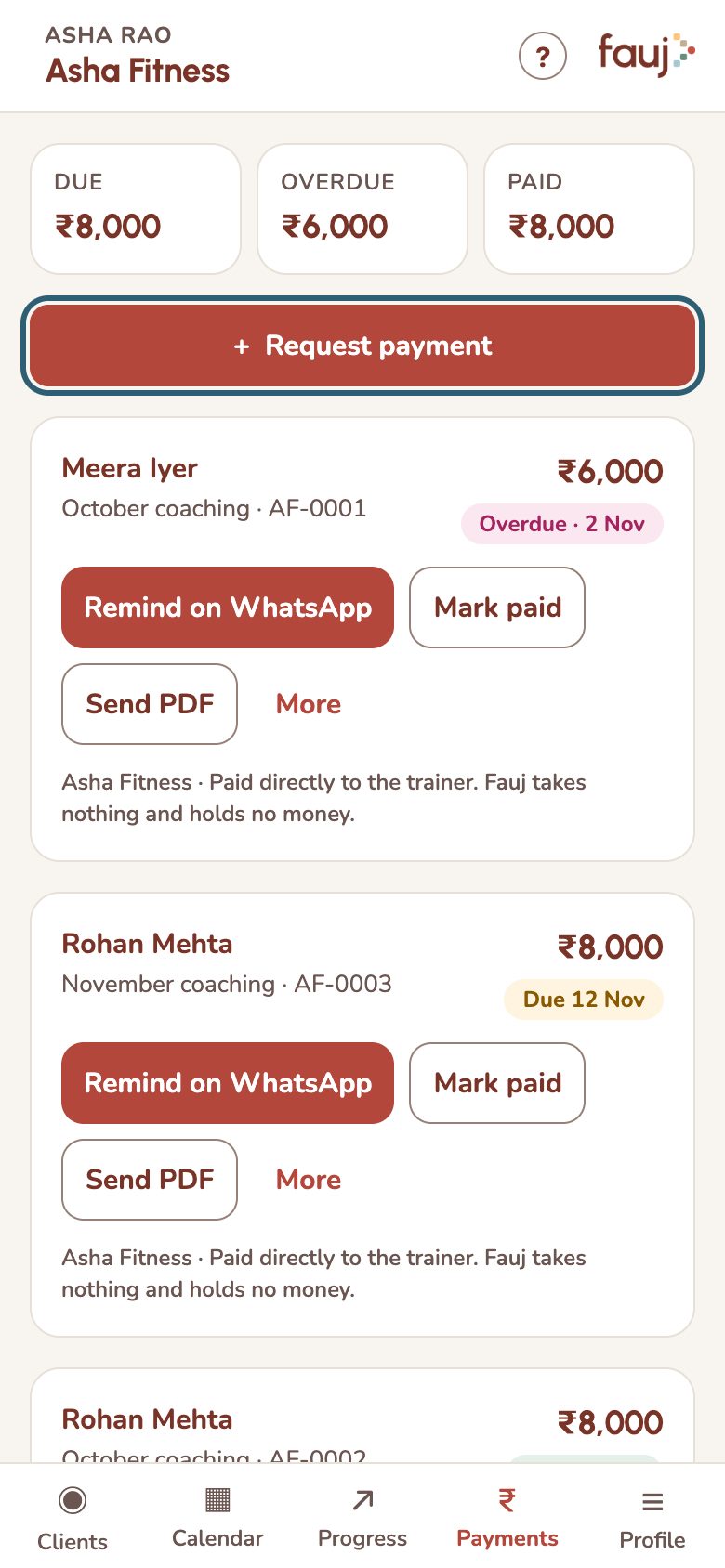
Remind a client and mark an invoice paid
Send a polite WhatsApp reminder, then mark the invoice paid once the money arrives.
- Remind: tap Remind on WhatsApp. Fauj writes the message; you send it. Reminders need the client's mobile number, which you can add under Client details on their page.
- Mark paid: Fauj can't see your UPI account, so you confirm payment yourself. Tap Mark paid, add a reference if you like, and confirm.
- Made a mistake: tap Undo paid on the invoice.
- Cancel: tap More, then Cancel invoice. Your client will no longer see it.