Log a workout for your client
Coaching in person? Log the session for your client from their page or from the calendar.
- On the Clients tab, open your client.
- Tap Log today's workout at the top. It shows when today has a planned session in a published plan.
- Enter what they did and finish the workout.
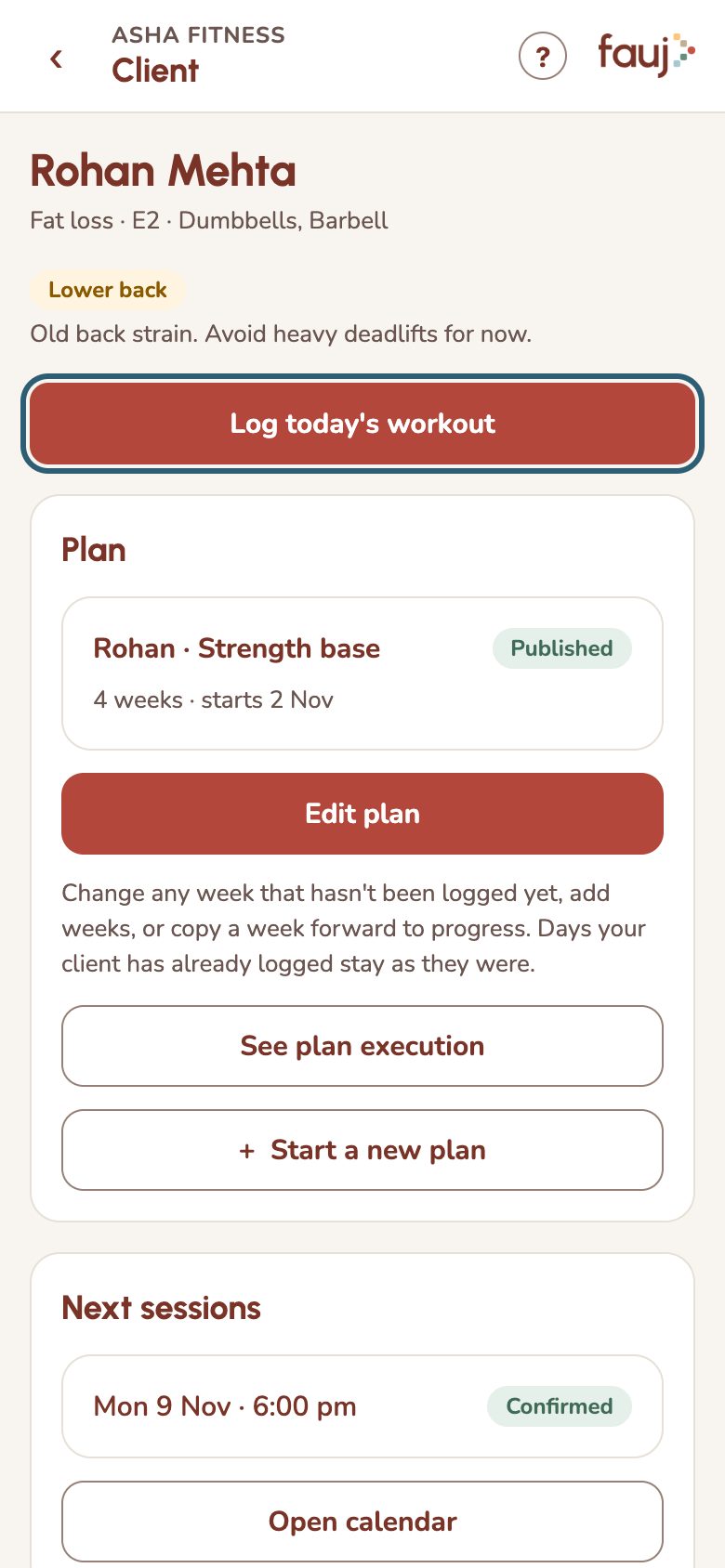
Once logged, the button lets you edit that log. The same button appears on a session you open from the Calendar on the day of the session.
Further down the page, Payments shows how many PT and self sessions they did this month, to help you bill.