Change a plan after publishing
Edit any week, and your client keeps seeing the old version until you publish the changes.
- Open your client and tap Edit plan.
- Make your changes and tap Save changes. Your client still sees the published week.
- Tap Publish changes when they should see it, or Discard changes to go back.
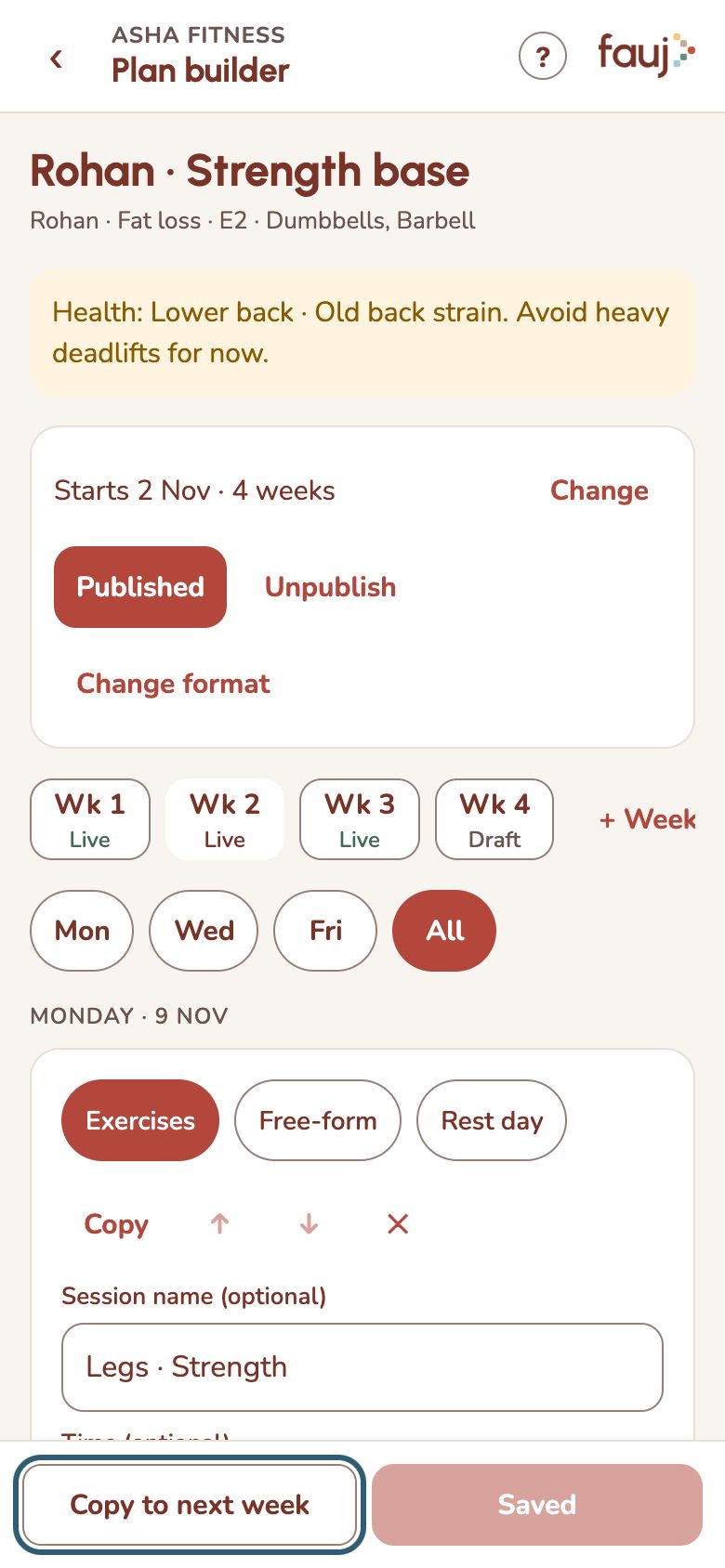
- Add weeks: tap + Week. A plan can have up to 12.
- Move to a different format: tap Change format, pick a template and the week it starts from.
- Sessions marked Logged · locked can't change, because your client has done them. Tap Copy to make an editable copy.