Book sessions on the calendar
Book one session or a weekly series. Your client gets a WhatsApp link to confirm.
- Open the Calendar tab and tap Book session.
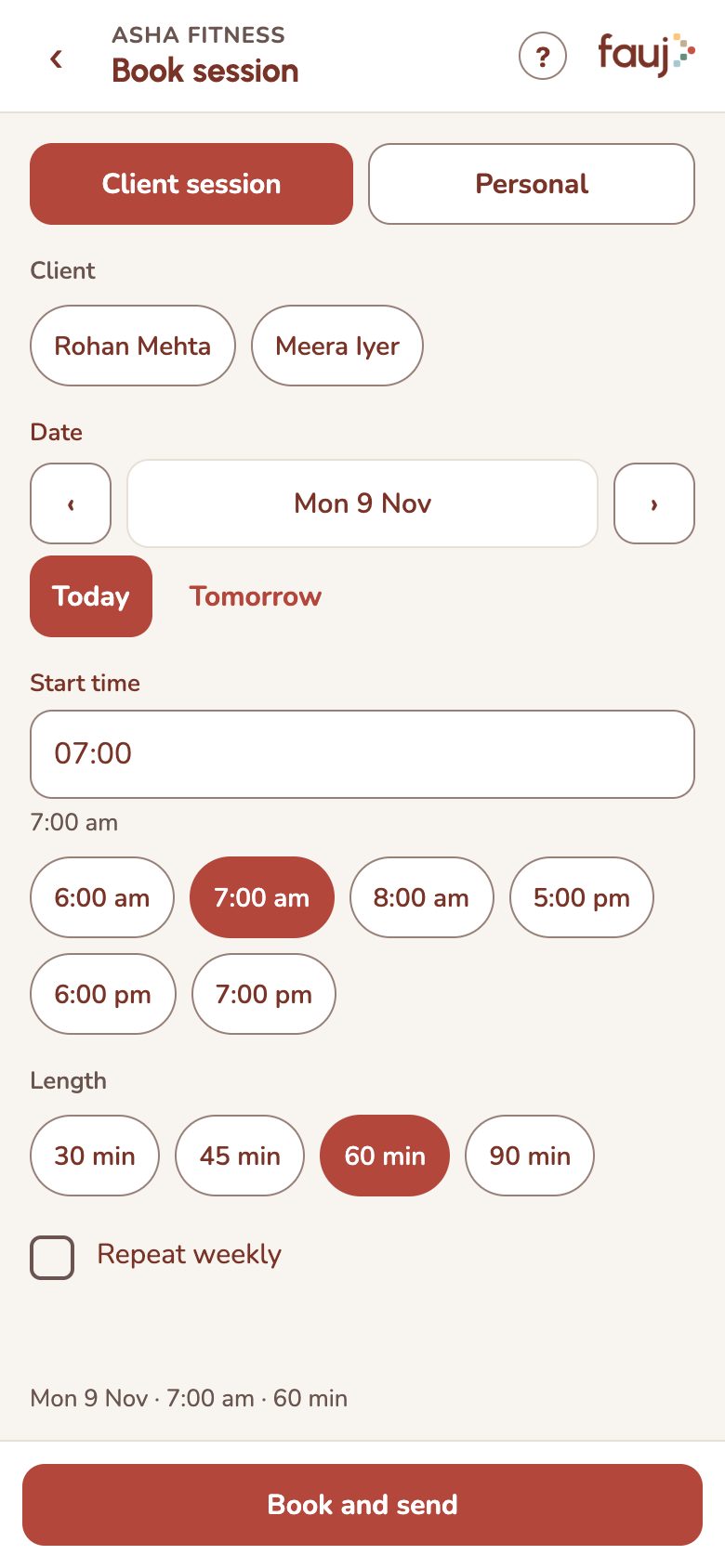
- Choose the client, date, start time and length.
- For a regular slot, tick Repeat weekly. Fauj books 4 sessions at a time, and your client confirms all 4 at once.
- Tap Book and send, then Send on WhatsApp.
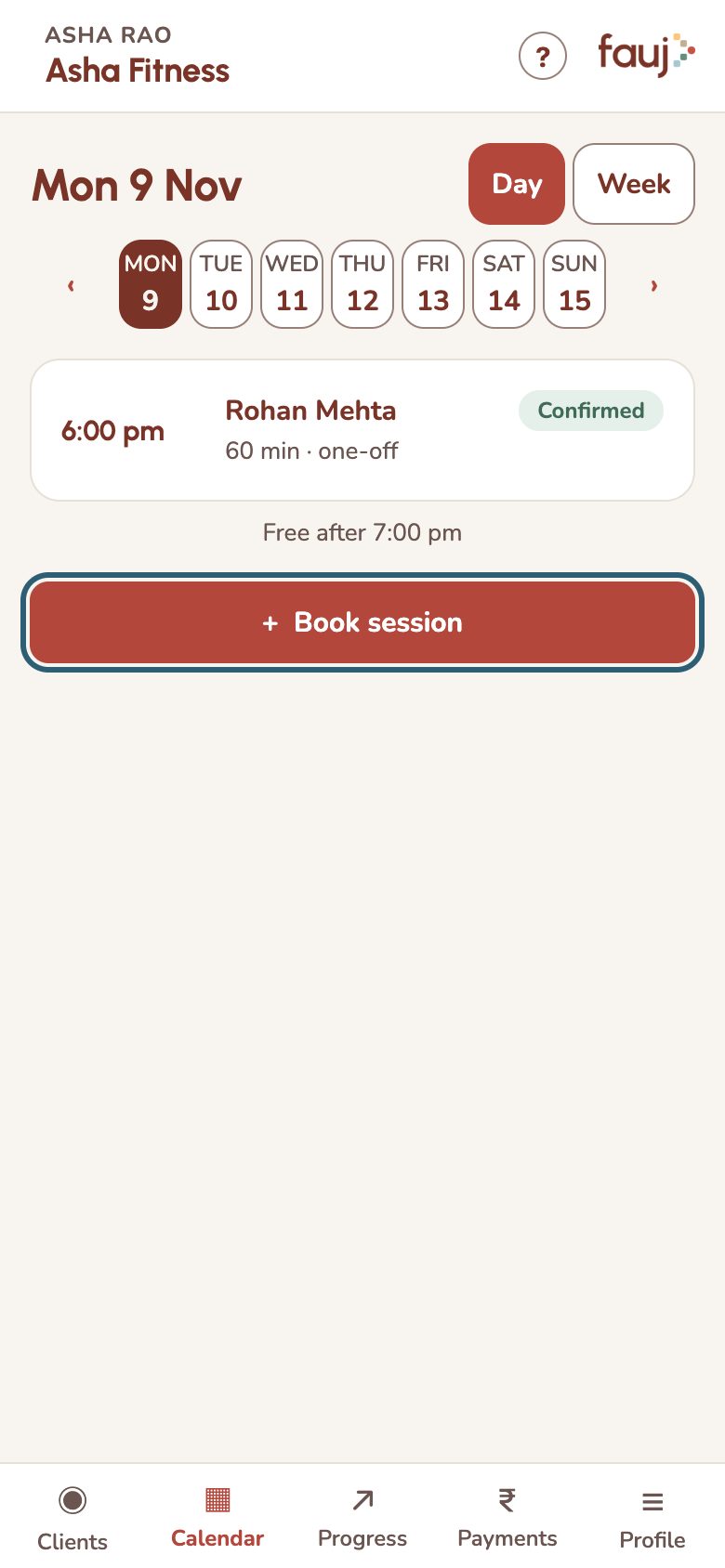
- Change a session: tap it on the calendar, then Move or Cancel.
- Weekly series running out: tap Renew next 4 on the session.
- Block your own time: on the Book session screen, choose Personal.