Confirm or cancel a session
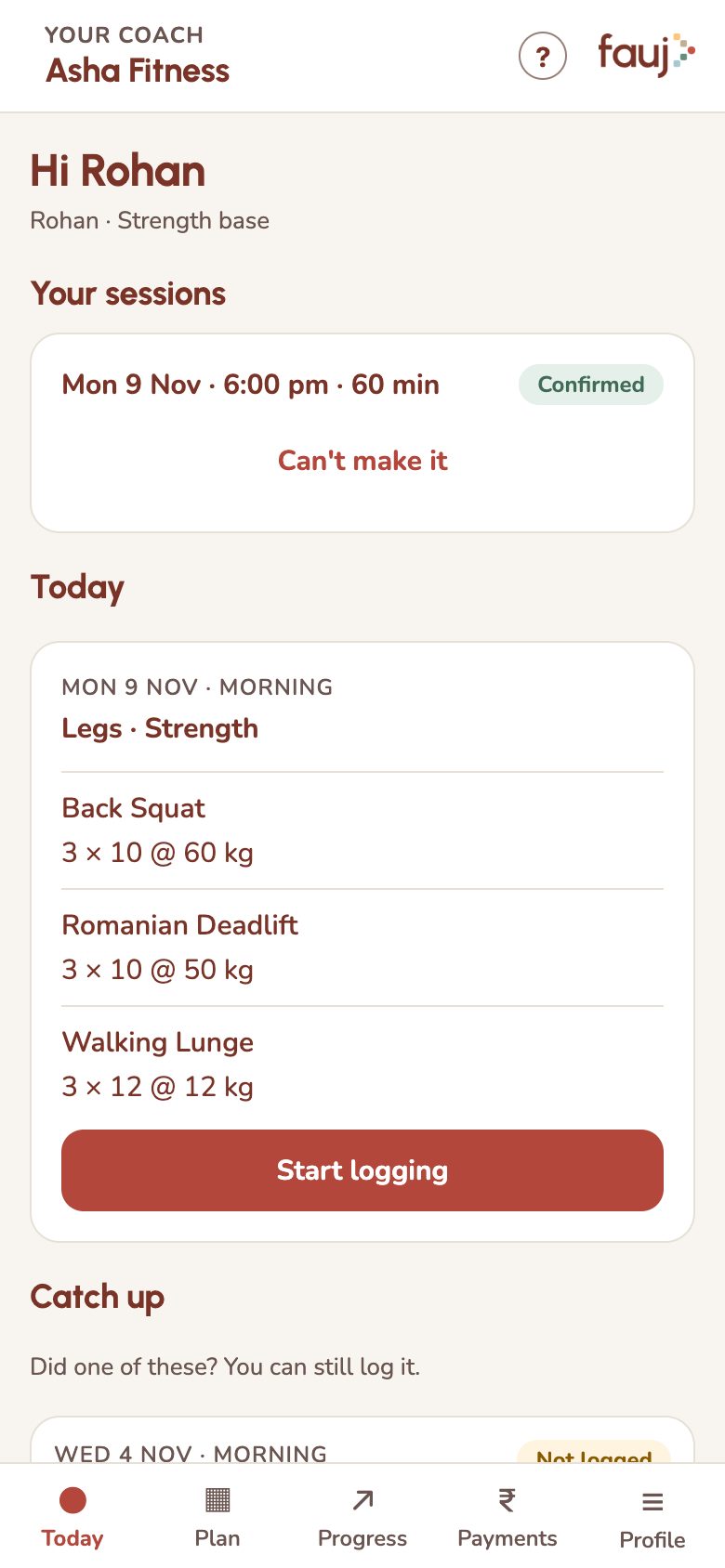
Your trainer sends a link to confirm a booking. Your sessions show on Today.
- Confirm: open the link your trainer sends, then tap Accept or Decline. For a weekly series, accepting confirms all the sessions listed.
- See what's booked: Your sessions at the top of Today.
- Can't go: tap Can't make it on the session. Your trainer sees this on their app.