Get started as a client
Join from your trainer's link, then open Fauj each day to see and log your workout.
- Tap the link your trainer sent you, and sign up with your email.
- Fill in your starting details. Your trainer uses these to plan for you.
- Open Today to see what's planned. If it says Your trainer is building your plan., your plan appears as soon as they publish it.
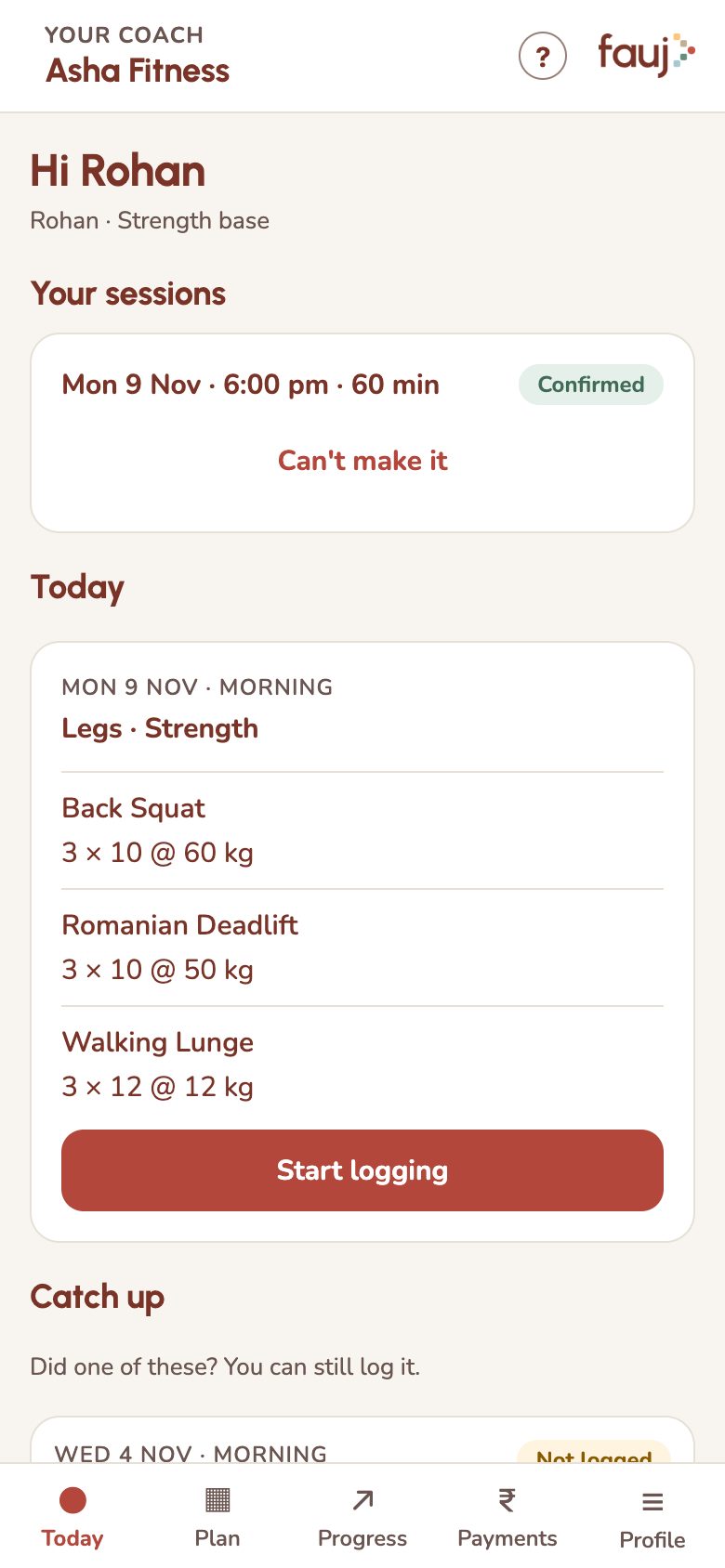
Fauj runs in your phone's browser, so there's nothing to download. To keep it handy and stay signed in, follow the Add Fauj to your Home Screen tip.
Joining is free when your trainer invites you.
Short tips appear as you reach each screen. Tap Got it to dismiss one, or Show me how for the full steps. To see them again, tap Show tips again on Profile. The ? at the top of any screen opens Bro, your help chat.