Log your workout
Tap Start logging, tick off each set, then finish. Your trainer sees it straight away.
- On Today, tap Start logging on your session.
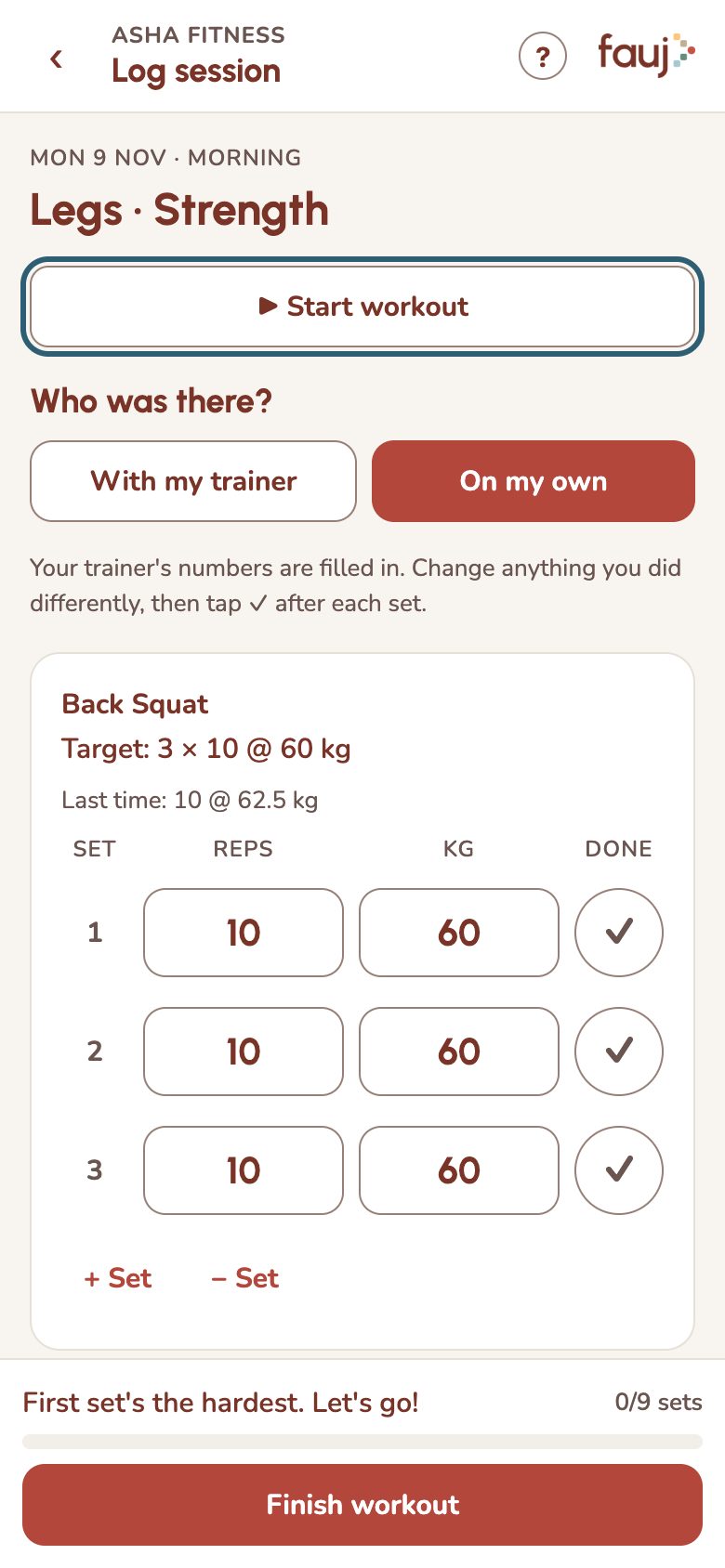
- Tap Start workout to time it.
- Your trainer's numbers are filled in. Change anything you did differently, then tap ✓ after each set.
- Tap Finish workout, say how hard it was and add a note if you like.
Missed a day? Sessions from the past week show under Catch up on Today, and you can still log them.