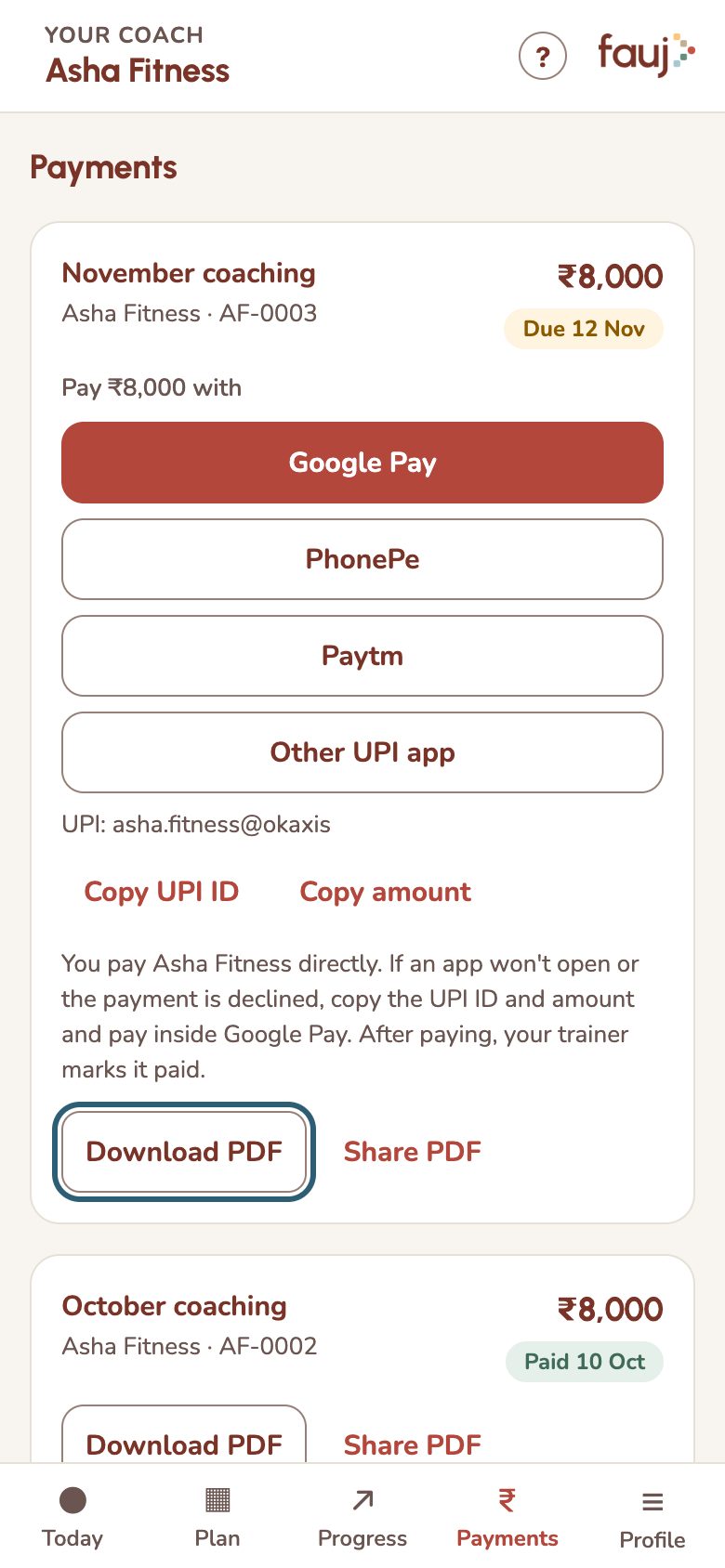
Pay your trainer
Open the invoice under Payments and pay by Google Pay, PhonePe, Paytm or any UPI app. The money goes directly to your trainer.
- Tap Payments and find the invoice.
- Tap your UPI app, or Other UPI app.
- Check the amount and pay in the app.
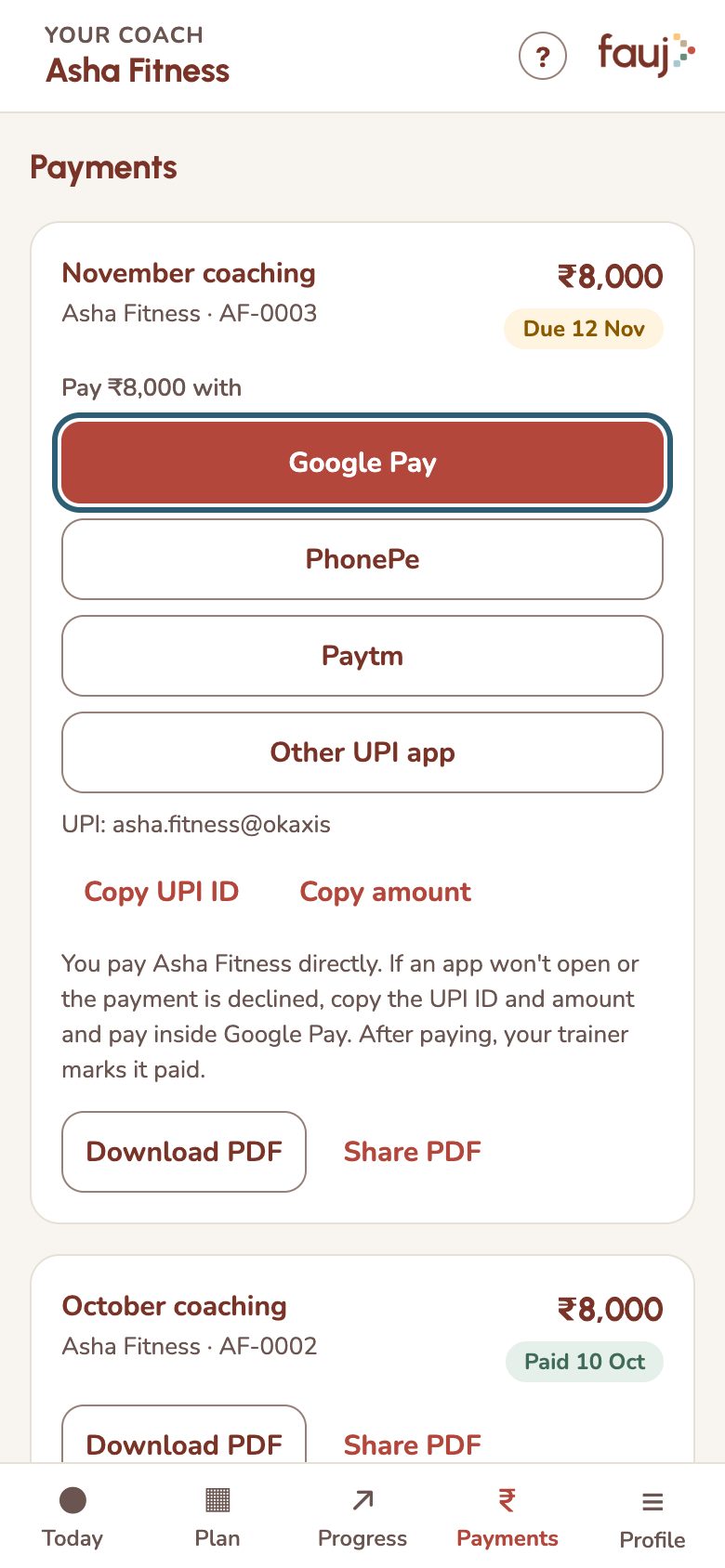
- App won't open or payment declined: tap Copy UPI ID and Copy amount, then pay inside your UPI app.
- Still says due after paying: your trainer marks it paid once they see the money. Fauj can't see payments.
- Need a PDF: tap Download PDF or Share PDF on the invoice.